Bluetooth is everywhere—but when it comes to RTLS, BLE asset tracking, and Bluetooth asset tracking tags, choosing the wrong Bluetooth version can mean poor accuracy, unstable connections, and wasted investment.
From Bluetooth BLE tags used in real-time asset tracking to consumer devices like wireless headphones and smartwatches, Bluetooth technology now supports far more than simple wireless communication. In industries such as manufacturing, healthcare, and logistics, Bluetooth-based RTLS solutions rely heavily on version-specific capabilities to deliver reliable location accuracy and system scalability.
Yet when evaluating Bluetooth-enabled products or deploying an RTLS system, many teams focus on one simple question: Is a higher Bluetooth version always better? With versions like Bluetooth 4.0, 5.0, and 5.2 widely used in Bluetooth asset tracking tags, the answer is not as straightforward as it seems. To make the right choice, it’s essential to understand what Bluetooth version upgrades truly change—and how those changes impact real-world RTLS and asset tracking performance.
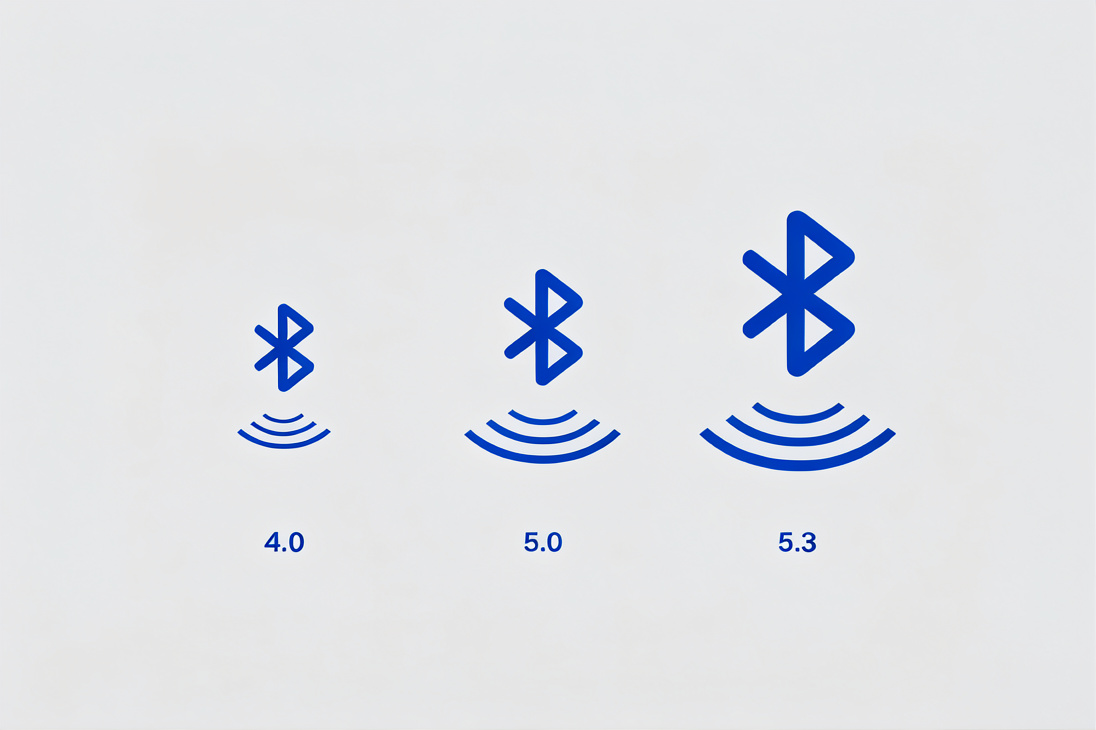
Benefits of Bluetooth Version Upgrades
Faster Transmission Speeds
With the continuous advancement of Bluetooth versions, data transmission speeds have significantly increased. Early Bluetooth versions, such as Bluetooth 1.x and 2.x, had relatively slow transmission speeds, primarily used for transmitting simple audio and control signals. They were unable to meet the demands of fast transmission of large amounts of data, such as high-definition audio and video. Starting with Bluetooth 4.0, Bluetooth Low Energy (BLE) technology was introduced, which also significantly improved transmission speeds. Bluetooth 5.0 and above have significantly enhanced transmission speeds. For example, Bluetooth 5.0 boasts a theoretical transmission speed of up to 2Mbps, double that of Bluetooth 4.2. This makes transferring large files like high-definition audio and images faster and more efficient, reducing latency and improving the user experience. For example, when listening to lossless music with Bluetooth headphones, the newer Bluetooth version allows for smoother audio data transmission, avoiding issues like lag and delay.
Longer Transmission Range
Bluetooth upgrades also extend transmission range. Prior to Bluetooth 4.0, the effective transmission range of Bluetooth devices was typically less than 10 meters and was susceptible to obstacles and interference. Bluetooth 5.0 increases the transmission range to 300 meters (theoretical value, actual usage may vary depending on environmental factors), maintaining a stable connection even in larger spaces such as offices, conference rooms, or living rooms. This is crucial for devices that require long-range connectivity, such as smart speakers and smart door locks. Users can control smart door locks from a greater distance or have smart speakers receive commands from anywhere in the room.
Lower Power Consumption
Low power consumption is a key development direction for Bluetooth technology, and higher Bluetooth versions excel in this regard. Bluetooth Low Energy (BLE), introduced in Bluetooth 4.0, allows Bluetooth devices to significantly reduce power consumption while maintaining a connection, extending battery life. This is particularly important for battery-powered devices such as smart bracelets and wireless headphones. With subsequent Bluetooth upgrades, such as Bluetooth 5.0 and 5.2, further optimizations have been made to low power consumption, enabling higher performance with lower power consumption.
Better Interference Resistance
In modern life, we are surrounded by a variety of wireless signals, such as Wi-Fi, microwave ovens, and mobile phone signals. These signals can interfere with Bluetooth connections, leading to unstable connections and data transmission errors. Higher Bluetooth versions improve interference resistance by employing more advanced modulation techniques and channel management algorithms. For example, Bluetooth 5.0 utilizes a wider frequency band and more efficient coding methods, which can better avoid interfering signals and maintain a stable connection. In places with complex electromagnetic environments, such as shopping malls and airports tracking, higher-version Bluetooth devices offer significantly better connection stability than lower-version devices.
Why a Higher Bluetooth Version Isn't Always Better
Device Compatibility
Although Bluetooth versions are constantly being upgraded, not all devices support the latest versions. Connecting a higher-version Bluetooth device with a lower-version device may cause compatibility issues, resulting in some features not working properly. For example, while a Bluetooth 5.0-capable smartphone can establish a basic audio connection with a pair of wireless headphones that only support Bluetooth 4.0, the high-speed transmission and low power consumption offered by Bluetooth 5.0 may not be fully utilized. Furthermore, some older devices may not be able to recognize higher-version Bluetooth signals, resulting in connection failures. Therefore, when purchasing devices, it's important to consider compatibility and avoid blindly pursuing higher-version Bluetooth.
Cost
Generally speaking, the R&D and production costs of higher-version Bluetooth technology are relatively high, which in turn increases the price of devices that support higher-version Bluetooth. For users who don't require high-performance Bluetooth, purchasing a higher-version Bluetooth device may not be cost-effective. For example, if you only use Bluetooth headphones for taking calls and listening to music, a Bluetooth 4.2 or 5.0 device will suffice. Purchasing a more expensive Bluetooth 5.2 device might be a waste of money. Therefore, when choosing a Bluetooth device, consider your actual needs and budget.
Limitations of Actual Use Cases
Although higher Bluetooth versions offer advantages in transmission speed, range, power consumption, and interference immunity, these advantages may not be apparent in some real-world scenarios. For example, when playing music on a Bluetooth speaker at home, if the distance between the speaker and the playback device is close and there is little interference, Bluetooth 4.0 or 4.2 will suffice. Upgrading to a higher Bluetooth version may not significantly improve the experience. Furthermore, for simple Bluetooth devices like mice and keyboards, which have relatively low requirements for Bluetooth performance, lower Bluetooth versions can also provide a stable experience.
Recommended Bluetooth Versions for Different Scenarios
Audio and Entertainment
If you frequently use Bluetooth headphones to listen to high-definition lossless music, watch HD videos, or play online games, and have high requirements for audio quality and transmission latency, we recommend devices that support Bluetooth 5.0 or higher. Higher Bluetooth versions offer faster transmission speeds and lower latency, ensuring synchronized audio and video playback and avoiding issues like lag and audio/video asynchrony.
Smart Home
In a smart home system, stable connectivity and data transmission between various devices are essential. If your home is large and your devices are widely distributed, we recommend devices that support Bluetooth 5.0 or higher for longer transmission range and improved interference immunity. Furthermore, considering the power consumption of smart home devices, the low power consumption of higher Bluetooth versions can extend device battery life and reduce the need for frequent charging.
Daily Office
For devices like Bluetooth mice and keyboards used in daily office work, Bluetooth 4.0 or 4.2 is sufficient for basic use. These devices don't require high transmission speeds or distances. Low-level Bluetooth versions offer stable connections and long battery life, all at a relatively low price, making them more cost-effective.
A higher Bluetooth version isn't necessarily better. While higher versions offer advantages like fast transmission speeds, longer distances, low power consumption, and strong anti-interference capabilities, they also come with challenges like device compatibility, cost, and practical usage scenarios. When choosing a Bluetooth device, we should consider our actual needs, budget, and usage scenarios to choose the most suitable Bluetooth version. Only in this way can we fully utilize the advantages of Bluetooth technology and provide a more convenient and efficient user experience.
Bluetooth Version Selection by Application Scenario
Different Bluetooth versions are suited to different real-world applications. Instead of focusing only on version numbers, it is more practical to match Bluetooth capabilities—such as data rate, range, power consumption, and positioning support—to specific use cases.
| Scenario | Recommended Bluetooth Version | Typical Applications |
|---|
| Manufacturing &Logistics | Bluetooth 5.0 / 5.1 | Asset tracking, warehouse management, equipment monitoring |
| Healthcare | Bluetooth 4.2 / 5.0 / 5.1 | Patient tracking, medical devices, wearable monitoring |
| RTLS / High-Precision Positioning | Bluetooth 5.1+ | Indoor positioning, real-time asset tracking, navigation systems |
| Smart Home | Bluetooth 5.0 | Smart locks, lighting, sensors, home automation |
| Audio & Entertainment | Bluetooth 5.0 / 5.2 | Wireless headphones, speakers, gaming devices |
| Office Devices | Bluetooth 4.0 / 4.2 | Keyboards, mice, basic peripherals |
| Public Spaces & Navigation | Bluetooth 5.0 / 5.1 | Airports, museums, parking, wayfinding systems |
In practical deployment, Bluetooth versions should be selected based on application requirements rather than specifications alone. For example, high-precision RTLS systems benefit from Bluetooth 5.1 and its direction-finding capabilities, while simple office peripherals can operate efficiently on Bluetooth 4.0. Aligning version capabilities with real-world scenarios ensures better performance, cost efficiency, and long-term scalability.
FAQ
Is a higher Bluetooth version always better for RTLS and asset tracking?
No, a higher Bluetooth version is not always better for RTLS and asset tracking.
While newer versions provide improvements in speed, range, and interference resistance, actual RTLS performance depends more on positioning technology (such as AoA or RSSI), deployment design, and system calibration. For example, a Bluetooth 5.0 device without proper infrastructure may deliver worse accuracy than a well-optimized Bluetooth 4.2 system. In asset tracking, stability and consistency are often more critical than raw specifications. Therefore, selecting the right version should be based on system requirements, not just version number.
Which Bluetooth version is best for Bluetooth asset tracking tags?
Bluetooth 5.0 and above are generally the most suitable for asset tracking tags.
These versions support longer range, improved broadcasting capacity, and better coexistence with other wireless signals, which are important for large-scale deployments. In addition, Bluetooth 5.1 introduces direction finding (AoA/AoD), which significantly improves positioning accuracy for RTLS systems. However, if the tracking requirement is only zone-level or proximity-based, Bluetooth 4.0 or 4.2 may still be sufficient and more cost-effective. The best choice depends on accuracy requirements, deployment scale, and battery life expectations.
Does Bluetooth 5.1 or 5.2 improve positioning accuracy automatically?
No, newer Bluetooth versions do not automatically guarantee higher positioning accuracy.
Bluetooth 5.1 introduces direction finding capabilities, but achieving sub-meter accuracy requires specialized hardware, antenna arrays, and algorithm support. Simply using a Bluetooth 5.1 chip without a proper RTLS system will not deliver precise positioning. Bluetooth 5.2 mainly improves features like LE Audio and efficiency rather than positioning itself. In practice, accuracy depends on the entire system design, including anchor placement, calibration, and signal processing, not just the Bluetooth version.
Is Bluetooth 4.0 still relevant for modern IoT and BLE applications?
Yes, Bluetooth 4.0 remains relevant for many low-power IoT applications.
It introduced BLE and is still widely used in devices that require simple data transmission, low cost, and long battery life, such as sensors, wearables, and basic tracking tags. In scenarios where high speed, long range, or advanced positioning is not required, Bluetooth 4.0 or 4.2 can provide stable and efficient performance. Upgrading to newer versions may not bring significant benefits in these cases, making older versions a practical and economical choice.
What is the most important factor when choosing a Bluetooth version?
The most important factor is how well the Bluetooth version matches the application requirements.
Key considerations include required positioning accuracy, deployment scale, battery life, interference environment, and device compatibility. For example, high-precision RTLS systems benefit from Bluetooth 5.1, while simple office devices work well with Bluetooth 4.0. Focusing only on version numbers can lead to unnecessary costs or underperformance. A balanced evaluation of technical needs and real-world conditions ensures the most effective and cost-efficient solution.
Conclusion
Choosing the right Bluetooth version is not about selecting the newest specification, but about matching technology capabilities with real-world requirements. While newer versions bring improvements in speed, range, power efficiency, and interference resistance, these advantages only translate into value when they align with the intended application.
In RTLS and asset tracking scenarios, system design, deployment strategy, and positioning technology often play a more decisive role than the Bluetooth version itself. Compatibility, cost, and practical usage conditions must also be considered to avoid overengineering or unnecessary investment.
Each location is meaningful!
Get real-time tracking insights and solutions tailored to your needs.
Enter your email to get our newsletter on best-in-class RTLS, AoA, and BLE solutions.

Sign-up
successful !
Our team will get in touch with you
shortly.


 Search